SolarEdge Inverters#
This guide is for installers enabling Modbus TCP and configuring RRCR (Remote Power Reduction Control) on a SolarEdge inverter using the SolarEdge Installer App.
Prerequisites#
- SolarEdge Installer App installed and you can access the site (existing commissioned system).
- Installer credentials / permissions for the inverter.
- The inverter is reachable (remote access may briefly interrupt production).
- You have a plan for static IP addressing and you can verify the inverter is online (e.g., IP scanner).
1) Connect to an existing system#
-
Open the SolarEdge Installer App.
-
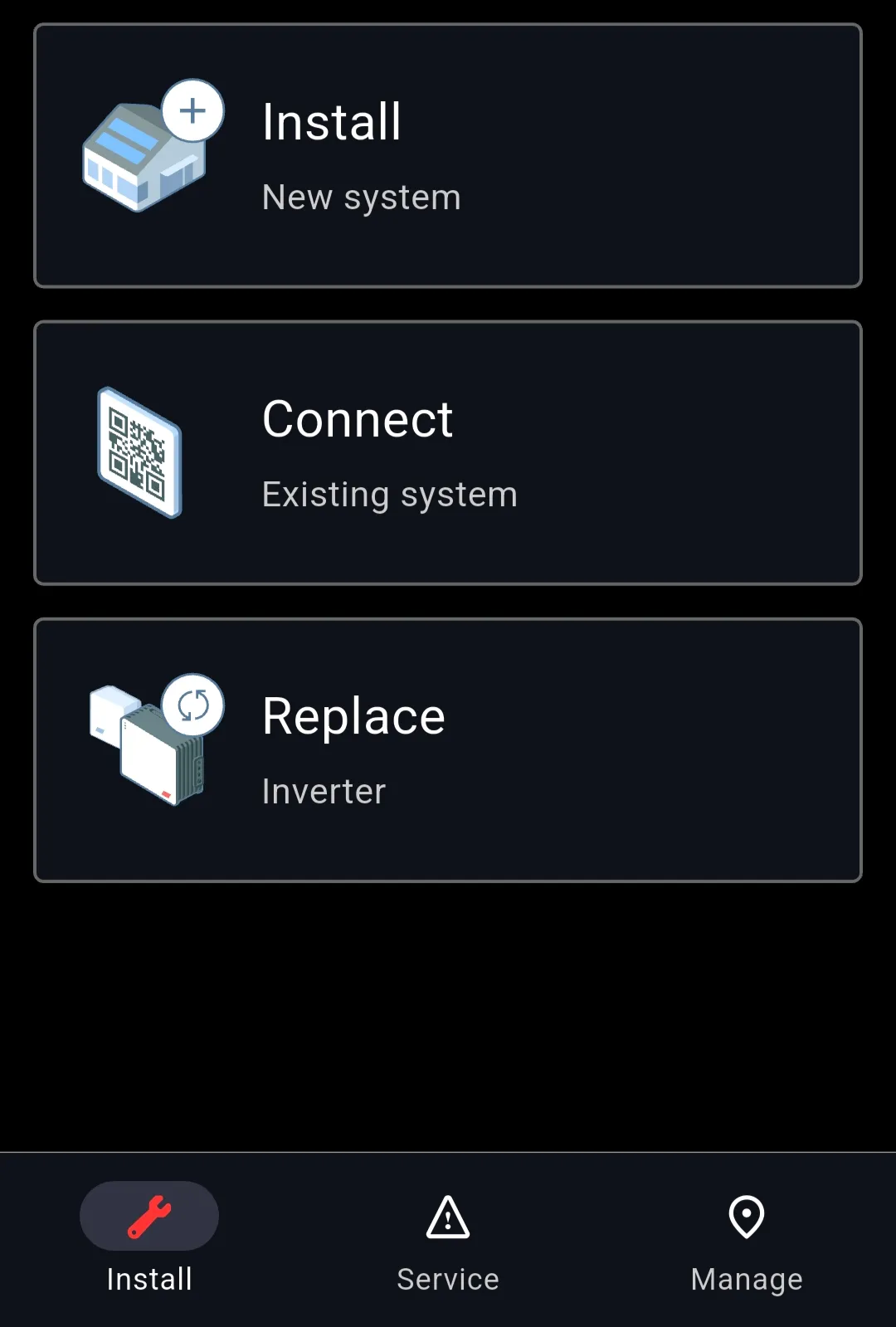
On the home screen, select Connect → Existing system.
This allows access to an already-commissioned site.
2) Open the inverter from Inventory#
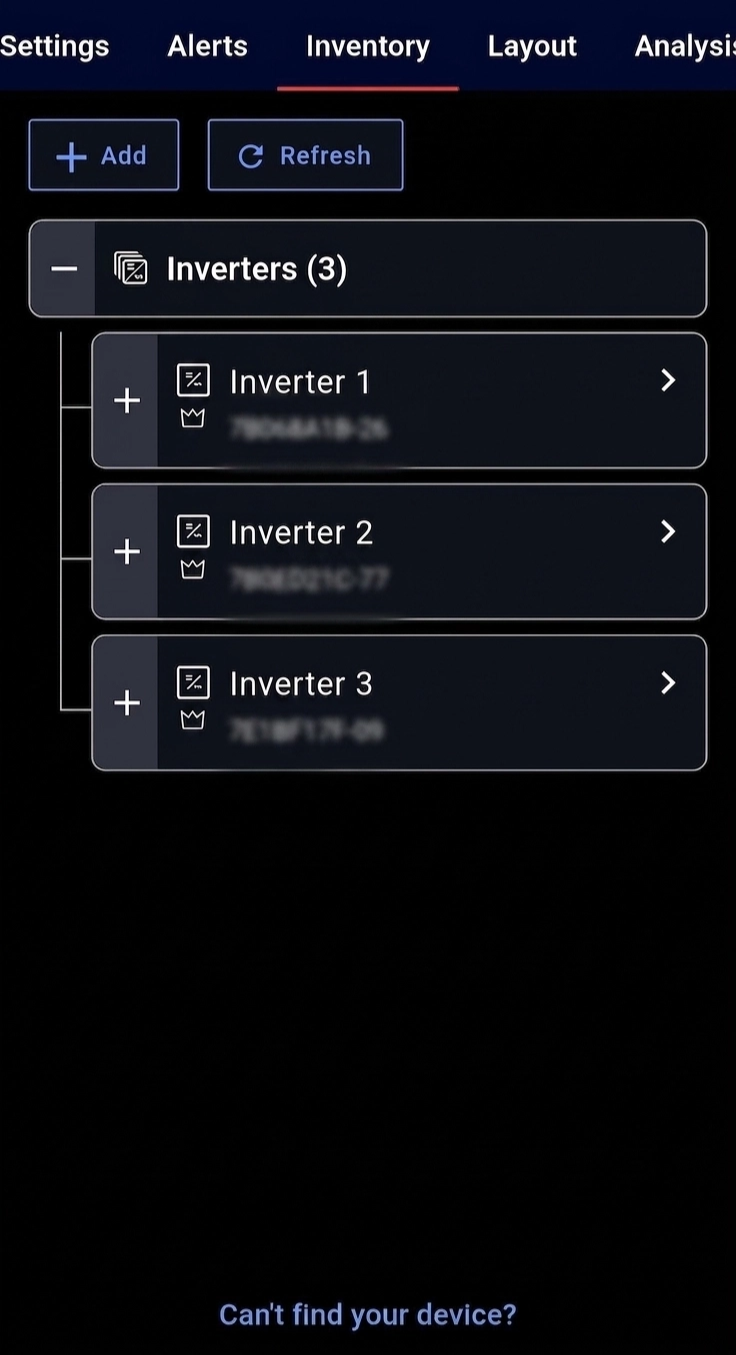
- Go to Inventory.
-
Select the correct inverter.
-
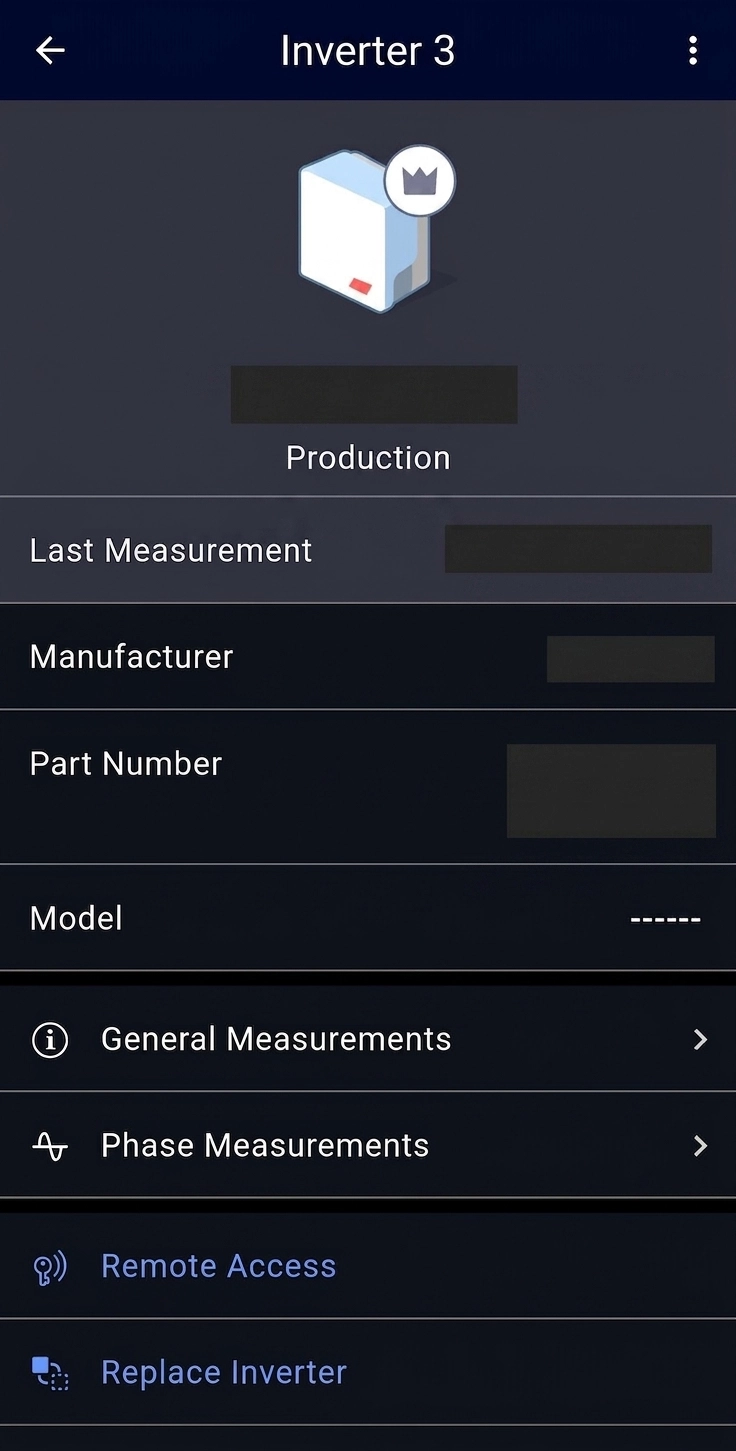
Confirm you see:
- Manufacturer: SolarEdge
- A recent Last Measurement timestamp
3) Start Remote Access#
- Scroll down on the inverter page and tap Remote Access.
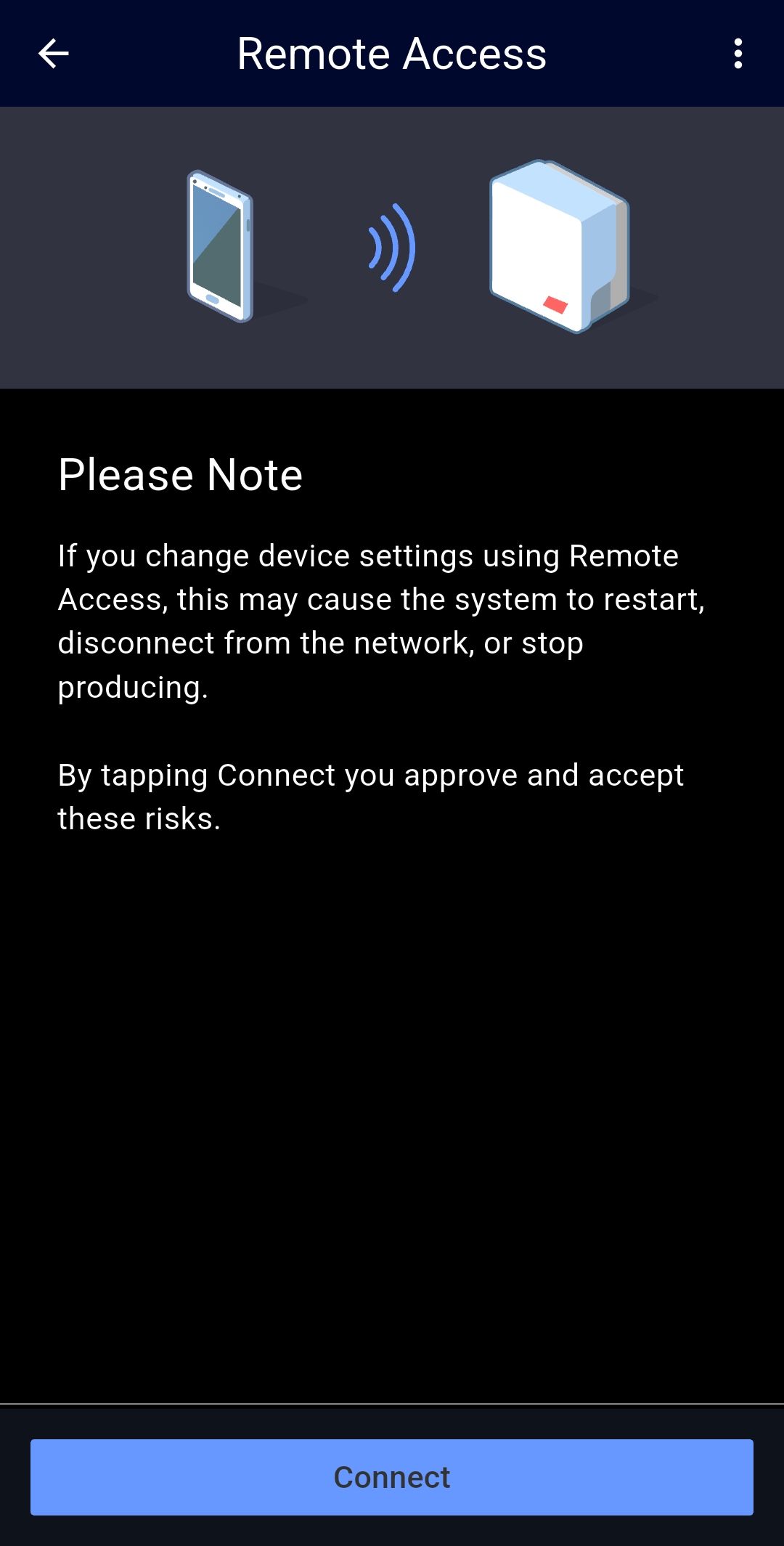
- Press Connect and accept the warning.
Possible restart
Remote access may restart the inverter or temporarily stop production.
4) Open the Commissioning menu#
Once connected, you’ll be redirected to Commissioning. You will mainly use:
- Site Communication
- Power Control
- GPIO
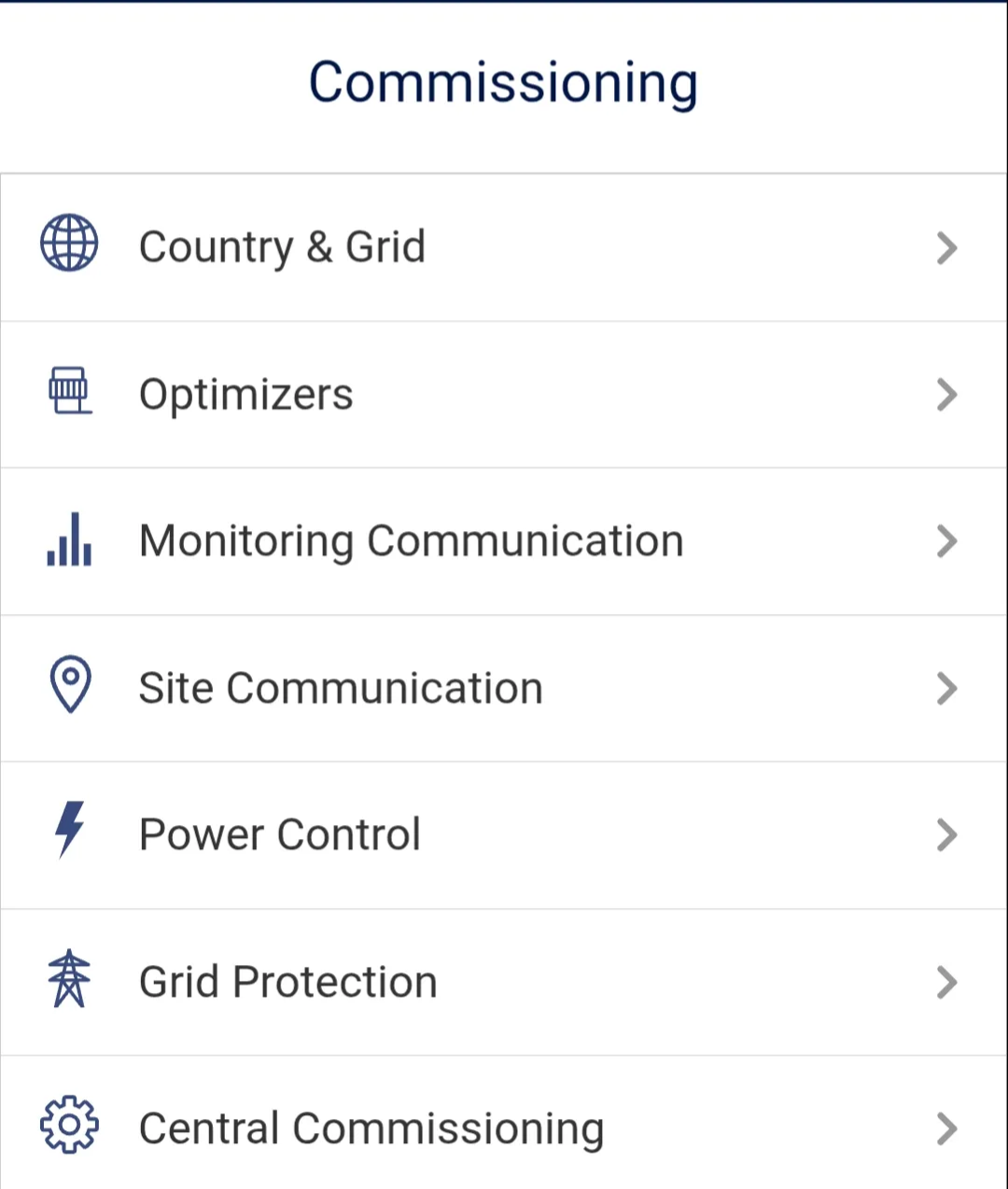
5) Set a static IP and verify the inverter is online#
- Set a static IP for the inverter (per site network plan).
- Verify the inverter is reachable/online (e.g., with an IP scanner).
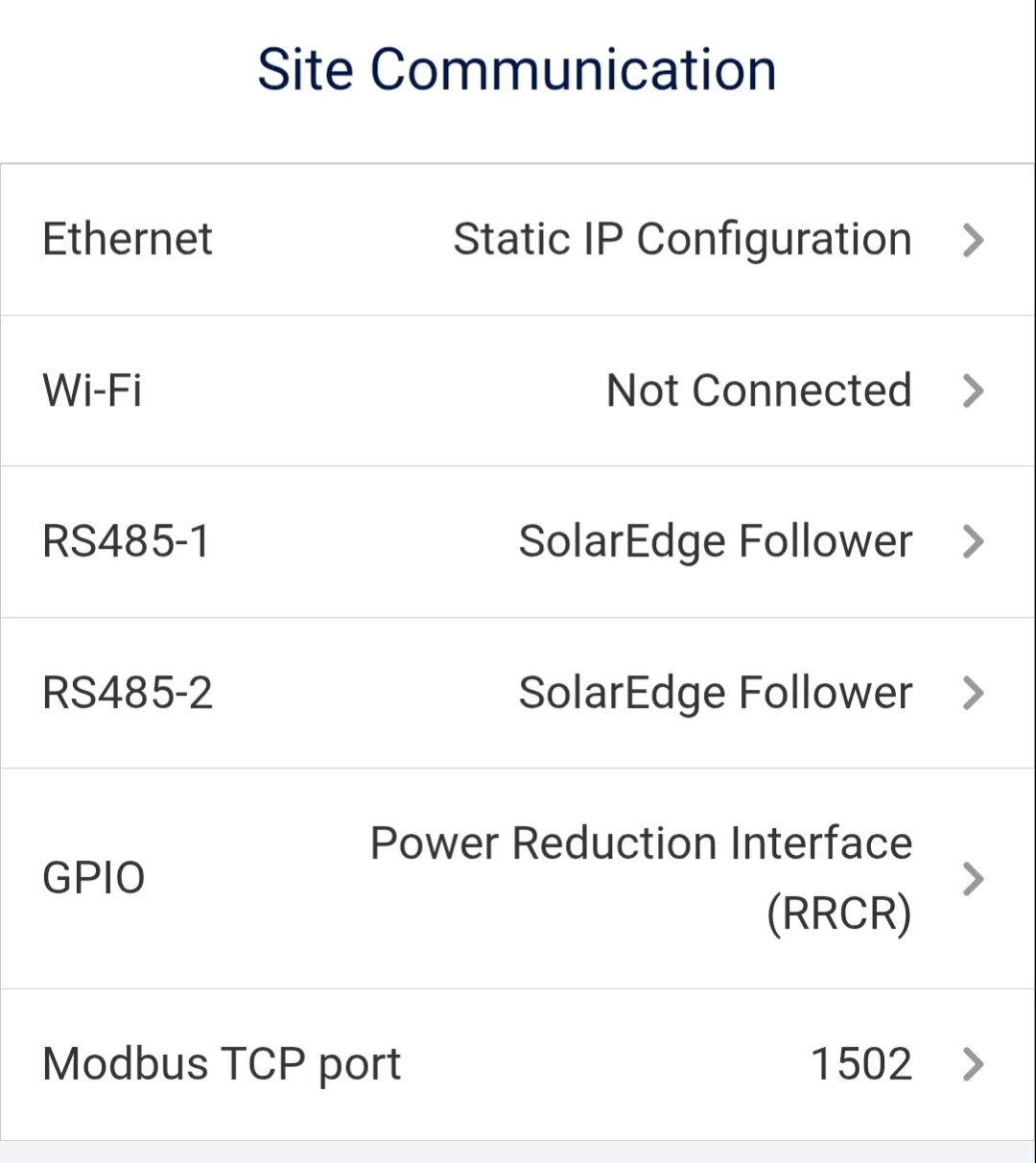
6) Enable Modbus TCP#
- Open Site Communication.
-
Tap Modbus TCP port.
-
Set:
- Modbus TCP: Enabled
- Port:
1502
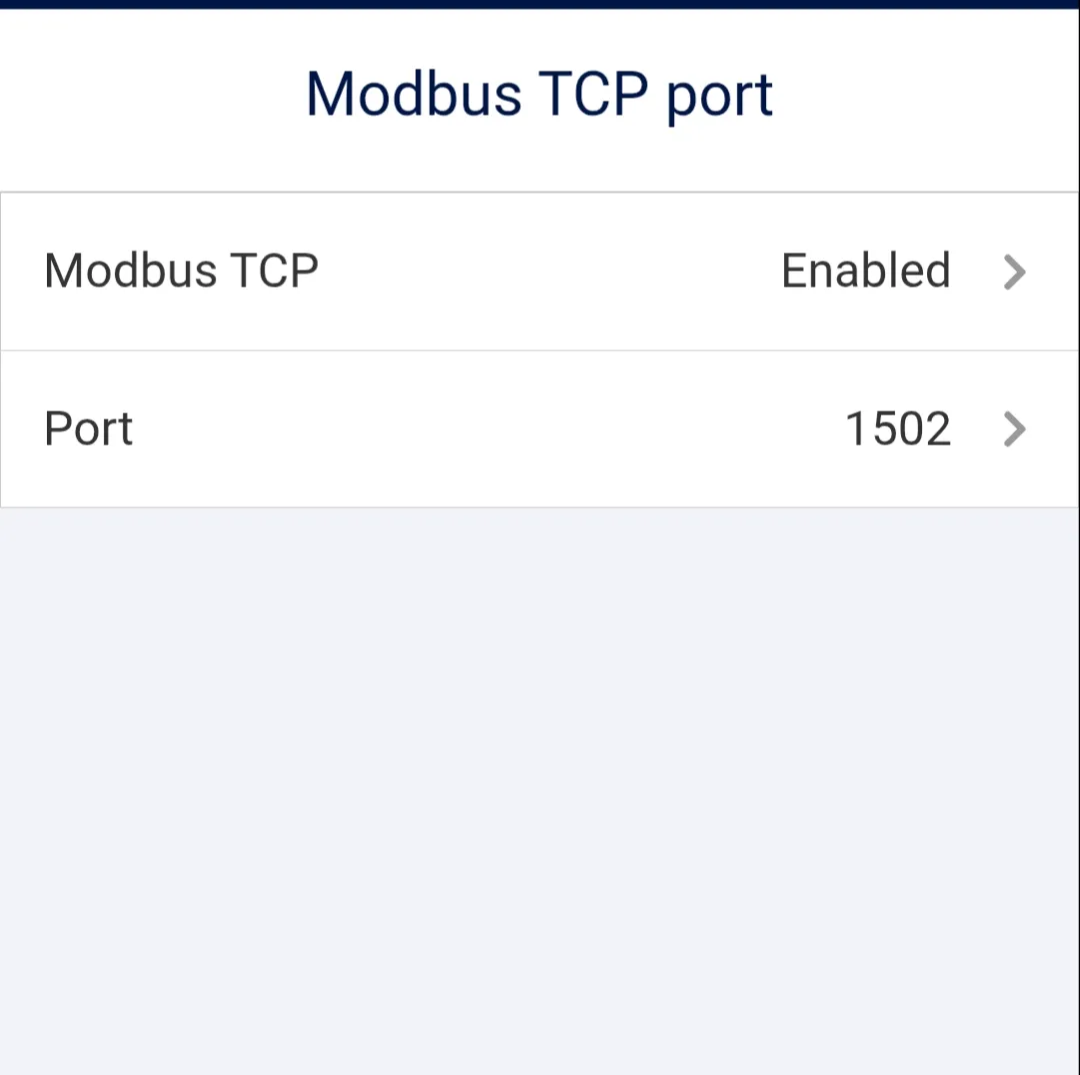
Check
- Modbus TCP shows Enabled
- Port is 1502
7) Configure GPIO for RRCR#
-
Go back to Site Communication and open GPIO.
-
Set:
- Device Type: Power Reduction Interface (RRCR)
- RRCR Mode: RRCR
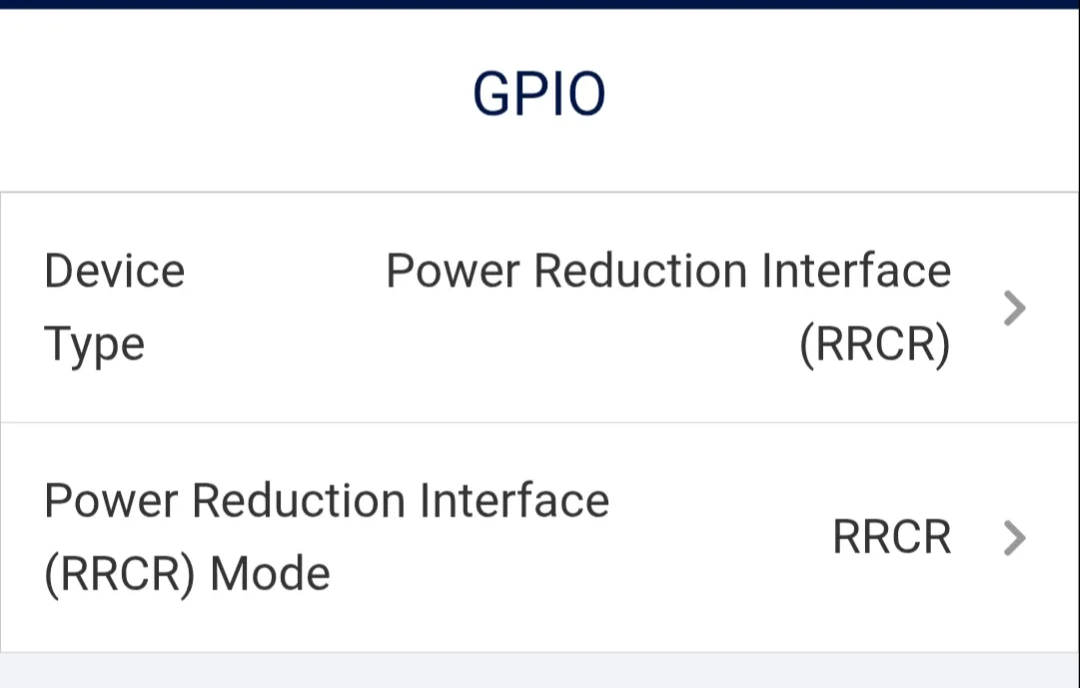
Check
- RRCR device type is selected
- RRCR mode is set to RRCR
8) Enable RRCR in Power Control#
-
Open Power Control.
-
Verify:
- Grid Control: Enabled
- Power Reduction Interface (RRCR): Enabled
- Reactive Power Reduction Interface: set as required by the grid code / site requirements
-
Leave VAR at night disabled unless specified otherwise.
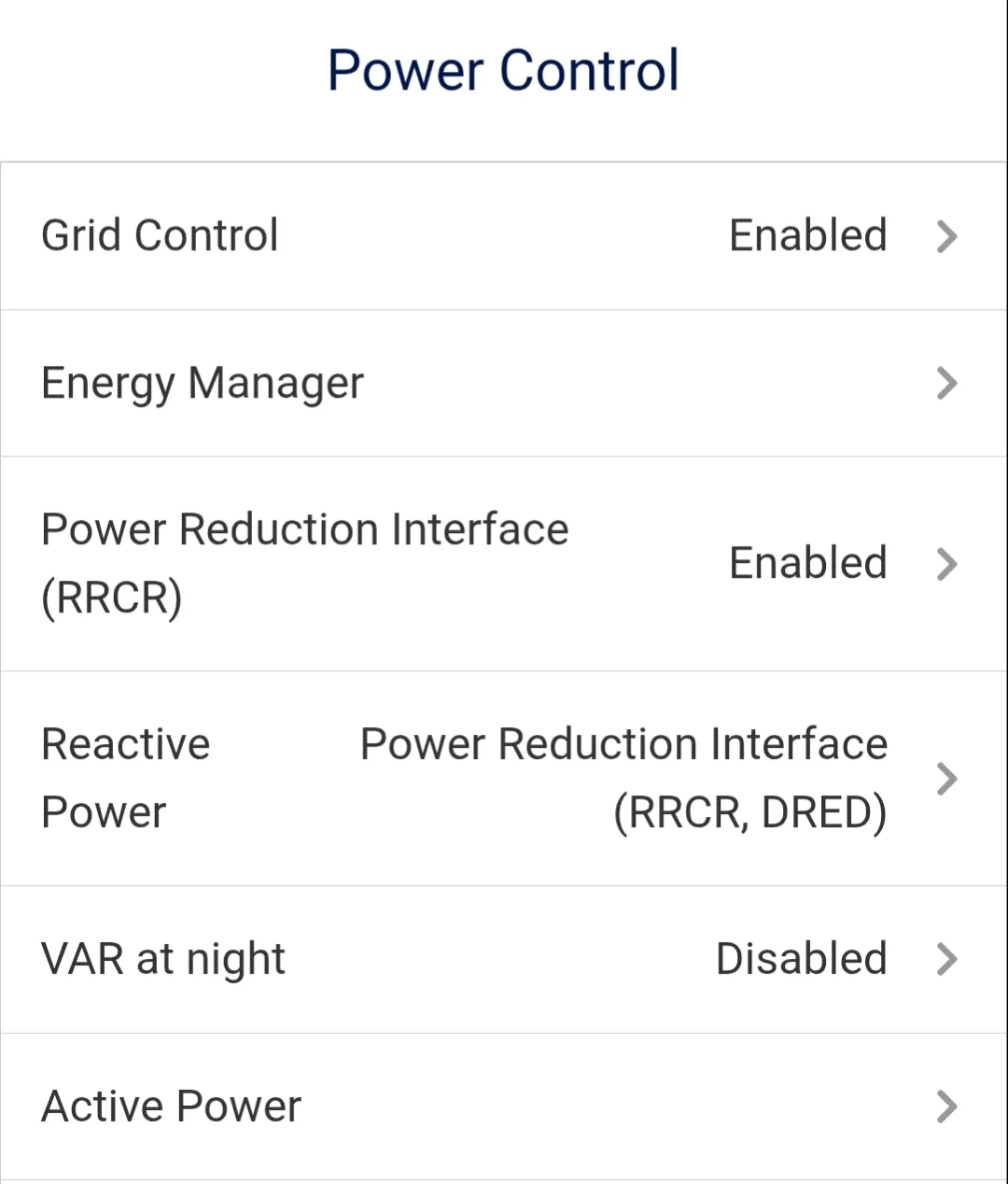
Check
- RRCR is enabled in Power Control
- Grid control is enabled
9) Final verification (Site Communication overview)#
In the Site Communication overview, confirm:
- Ethernet / network settings are correct
- RS485 roles are correct (Follower is set, if applicable)
- Modbus TCP is visible and set to 1502
- Power Reduction Interface (RRCR): Enabled