Device behind a router doesn't respond#
Symptom: a device in another subnet, reached through a site router as in Scenario 5, doesn't answer.
Work through the path#
1. Route Test for the device, for example 10.20.0.17. - Must show Interface eth0 and Gateway = the OT router, 192.168.0.250. If it shows the default gateway instead, the primary route is missing or wrong.
2. Connectivity to the router, 192.168.0.250, with ARPing on eth0. - No ARPing reply → wrong router IP, or the router isn't on this cable.
3. Traceroute to the device.
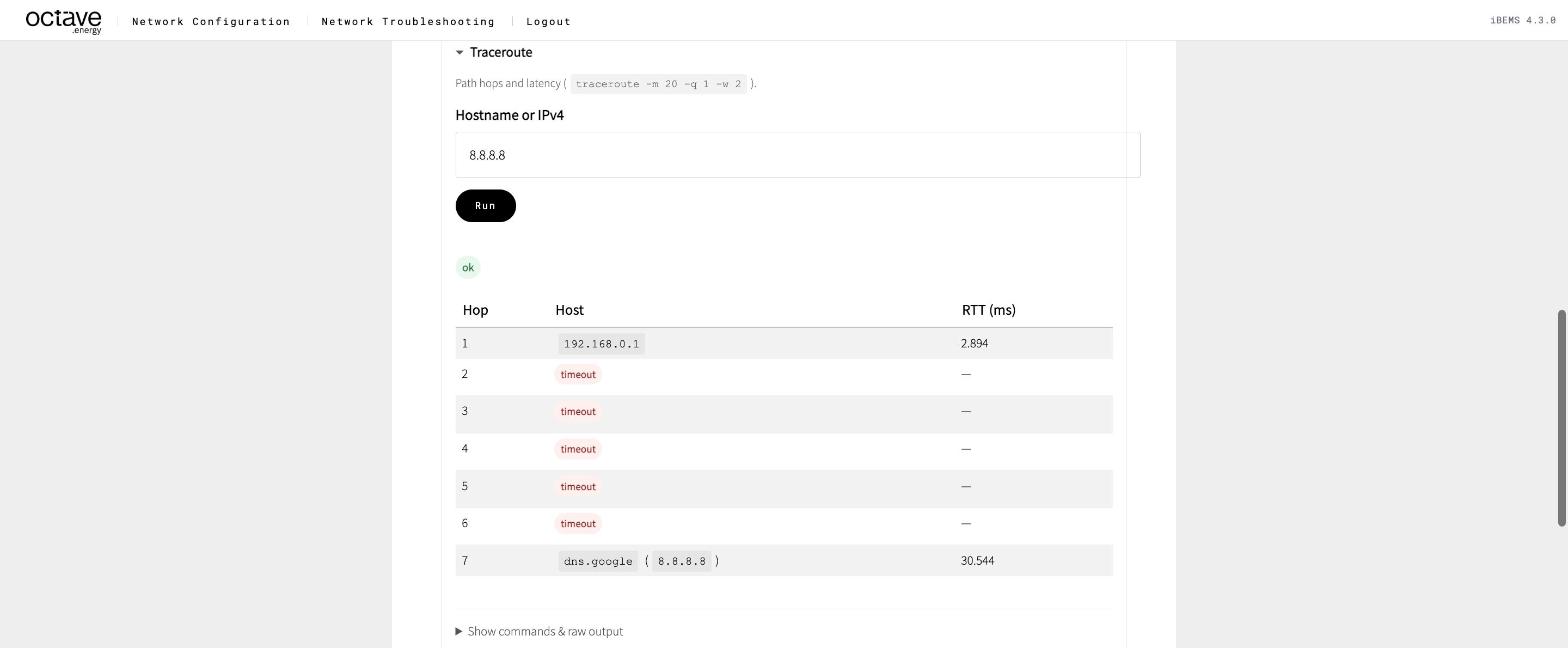
| Traceroute shows | Likely cause |
|---|---|
| No hops at all | Missing route, or wrong gateway on the Octave device |
| First hop is the wrong router | The route uses the wrong gateway, or the default route is used |
Reaches the router, then * | The router can't reach the device, or the device can't answer back (return path), or a firewall on the router |
| Reaches the device | Path is fine — run the Port / Service Scan (Modbus) |
The return path#
The device must send its reply back to the Octave device. That only works if its gateway knows the way to eth0's subnet.
- ✅ The device's gateway is the OT router, and that router has a leg in
eth0's subnet → works automatically. - ❌ The device has no gateway, or a different one → replies never arrive. Set the gateway on the device, or ask the site to add a route.
Ask the site#
If traceroute stops at the router, ask the site's network owner:
- Does the router allow traffic from the Octave device's IP to the device on TCP
502, and ICMP for ping? - Does the router do NAT between the two networks? If yes, which address should Octave use?
- What is the device's gateway?
Attach the Export results log to your question.