Ping works, Modbus doesn't#
Symptom: the device answers ping, but the platform shows no data, or Modbus errors.
1. Port / Service Scan (Modbus preset)#
| Result for port 502 | Meaning | Action |
|---|---|---|
| open | The network is fine | Go to step 2 |
| closed | Modbus TCP is off, or on another port | Enable Modbus TCP on the device, or confirm its port |
| filtered | A firewall drops it — on the device or a router in between | Check the device's allowed-client list and the router rules |
2. Network is fine — check the Modbus side#
These aren't network problems, but they cause most "ping ok, no data" tickets:
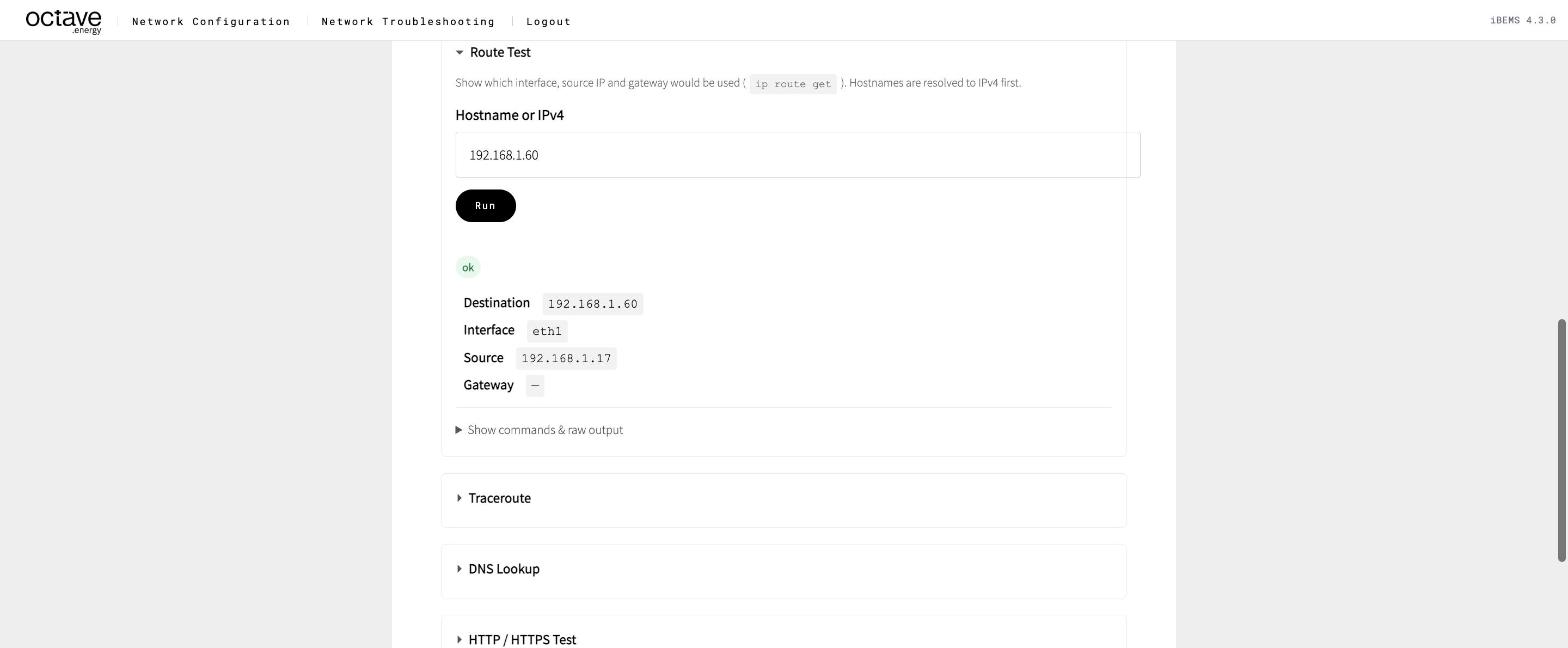
- Allowed clients / IP whitelist. Many inverters and meters only accept Modbus from listed IPs. Add the Octave device's address as the device sees it: the Source in Route Test. On a RevPi that's the
eth1secondary IP for Octave devices. With an additional address, it's that address, e.g.192.168.1.16in Scenario 6. - Connection limit. Some devices accept only one Modbus TCP client. A SCADA, a logger or another EMS may already hold the slot.
- Unit ID / slave ID. A wrong unit ID makes the device answer with an error, or not at all.
- Behind a Modbus gateway. For RTU devices behind a TCP gateway, the unit ID selects the device on the serial bus.